How to use this site
About the site
This site contains resources for Tableau users, public reports, data definitions, Data Governance, Tableau, training opportunities, and the Data Warehouse.
View a sitemap
View the sitemap to see an expanded list of all pages available on the site.
- Home
- Data Governance
- Overview
- Key Roles and Organization
- Data Governance Process
- Policies and Standards
- Data Cookbook
- Definition Lookup
- Security and Access
- Overview
- Reporting and Analytics
- Overview
- Requesting and Producing Reports
- Recommended Tools
- Data Warehouse
- Overview
- Currently Available Data
- Data Portal
- Tableau
- Tableau User Group
- Tableau Server and Users
- Resources and FAQ
- FAQ
- Training Resources
- Contact Us
How to use the menu
To access to menu, click on the menu button on the top far right on the screen.

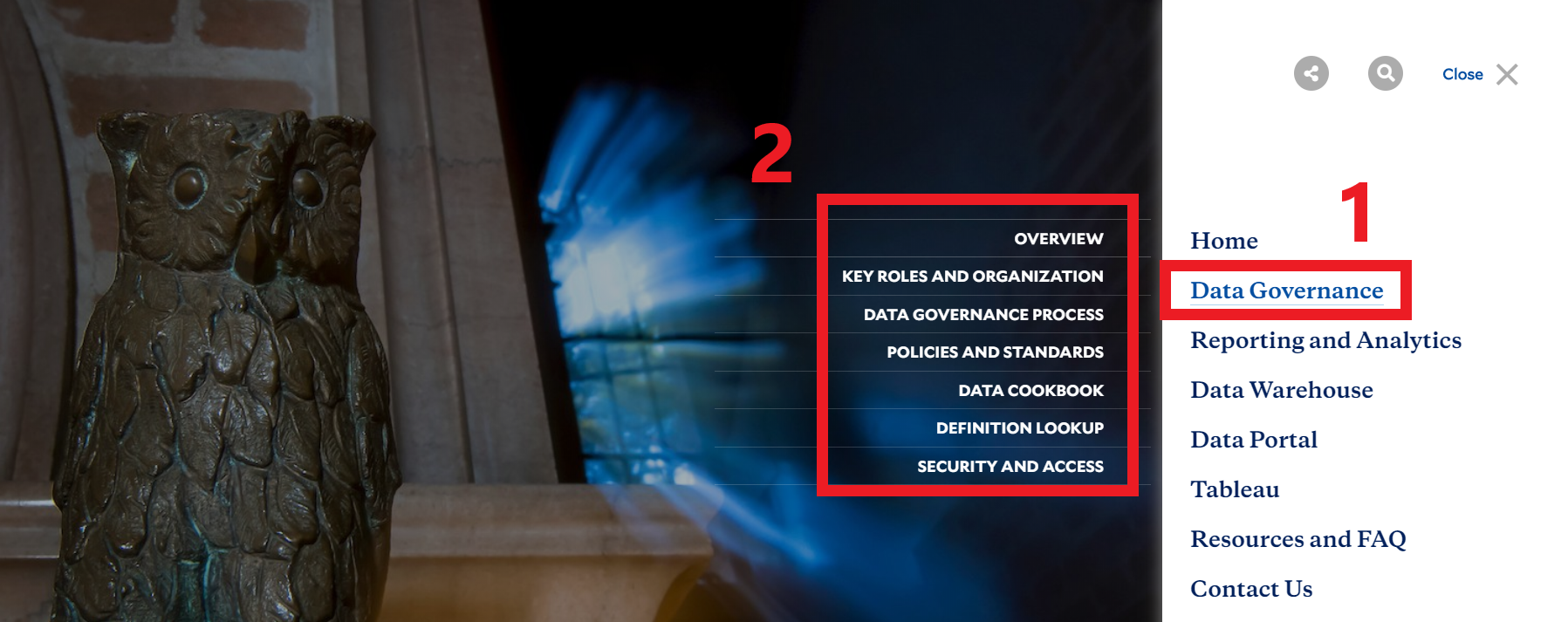
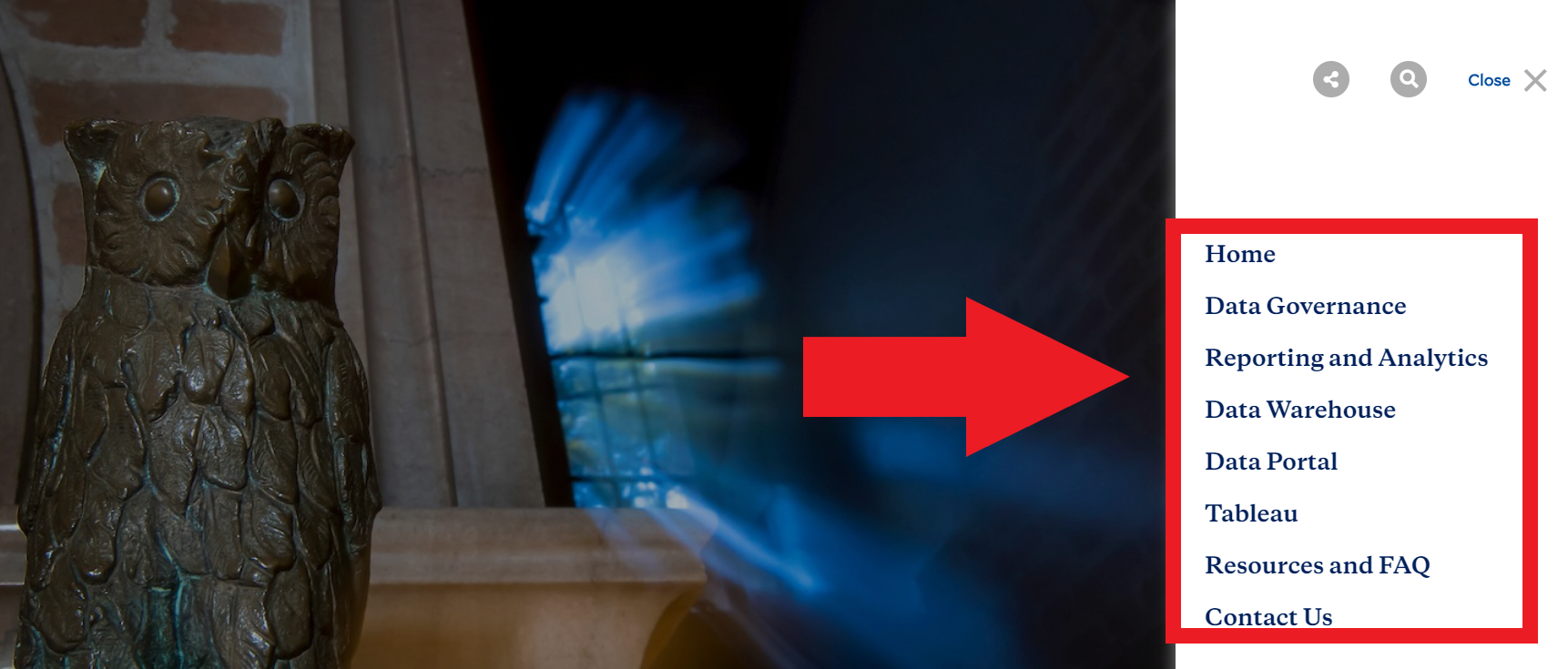
Once the menu is clicked, a list of menu items are displayed on the far right. These links are different subject areas contained in the site. Once a link is clicked on, it either expands to reveal more links, or navigates to a page.
To reveal pages contained in a menu item, click on the parent menu item (1), then click on the child page on the left of it (2).