
Connect Databases to Power BI
Use database connections when your team has an approved SQL or cloud database source for reporting.
Power BI can connect to many data sources. For departmental databases, make sure you have permission to use the source and understand who owns the data, refresh process, and access decisions.
Import from SQL Server
- In Power BI Desktop, on the Home tab, select Get Data > SQL Server.
- In the SQL Server database dialog box, enter the Server and Database names, and make sure the Data Connectivity mode is set to Import. Optionally, under Advanced options, you can specify a SQL statement.
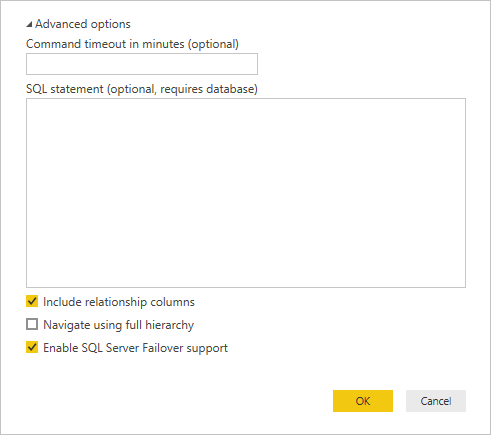
- Select OK.
- On the next screen, verify your credentials and select Connect.